Founding PM: GitHub Copilot CLI
GitHub Copilot’s coding agent for the terminal.
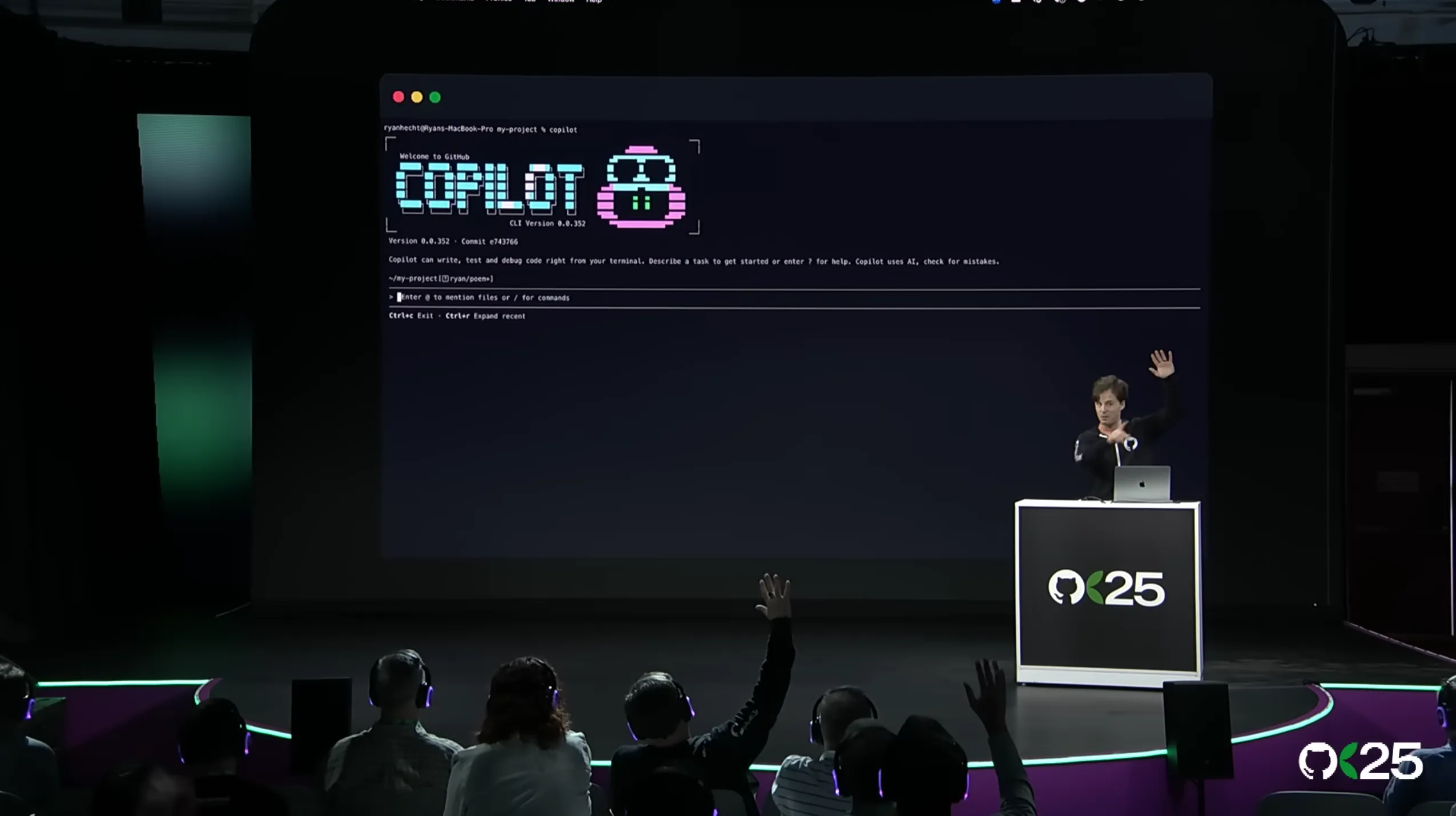
When the terminal-native coding agent craze began, I was the Product Manager for the GitHub CLI. Even before Claude Code or the Codex CLI, I was obsessing over early builds of Aider and dreaming about what could be.
After several months of building and pitching the business case, I was the founding PM for workstream that would become the GitHub Copilot CLI, the agentic harness/runtime used by hundreds of thousands of developers worldwide, by tens of thousands of Microsoft engineers, and by an ever-growing contingent of PRoduct Managers, designers ,data scientists, lawyers, salespeople, executives, and other non-technical knowledge workers.
Even though our initial exec remit was mostly around creating a competitor to Claude Code, my sights were always set higher: building a harness that could be the standard upon which all GitHub Copilot experiences (and even agentic experiences across the Microsoft ecosystem) could be built. The product vision doc and roadmap I created for the Copilot CLI refelected this, and as the team grew and the product matured, we accomplished that goal! As of September 2026, just shy of a year after the CLI’s initial public preview on 2025-09-25, all of GitHub Copilot’s client experiences are powered by the same runtime as the Copilot CLI, which has now been wrapped by the Copilot SDK.
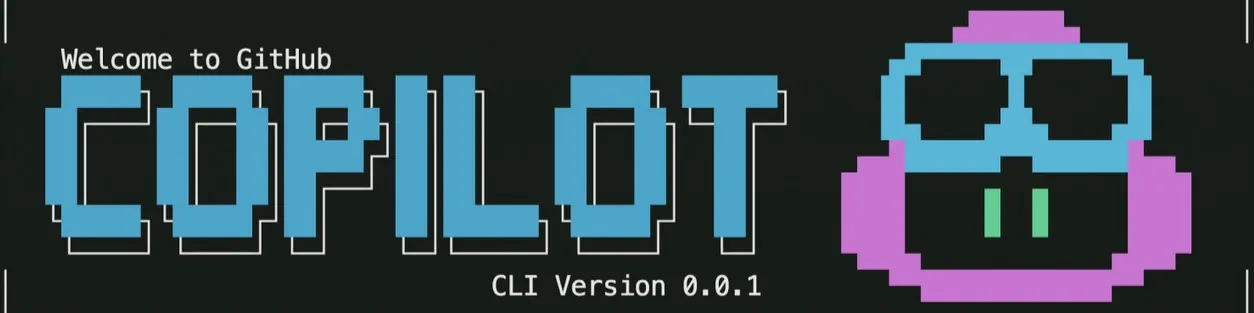
In the early days of the Copilot CLI, I was in my element as a generalist PM with a highly competent team of engineers — I got to wear many hats, whether it was building out our data dashboards, conducting user research, triaging dogfooding feedback from excited internal users ranging from open source legends to Microsoft celebrities, even shipping code myself to deliver niche features below the engineering cut line. I collaborated with the creator of GitHub’s brand identity to create our whimsical startup graphics. I worked with our go-to-market teams to redefine how we release new products and features to accomodate a faster-paced release cadence, pioneering weekly changelogs leading up to GitHub Universe to drive home just how many improvements we were delivering on a daily basis. For a while, I was even hand-cranking our daily release notes and deploying the builds myself before we built up our automations and release pipelines!
Agent platform, harness architecture, and agent governance
- Shipped Microsoft’s most widely adopted AI-native CLI developer tool, from zero to hundreds of thousands of users in less than six months, with millions of interactive and automated coding sessions.
- Designed and shipped the governance framework that lets teams safely delegate work to agents, including MCP controls, enterprise managed settings, sandboxing, and org-owned token auth, balancing velocity and experimentation against security and reliability under launch pressure.
- Build multi-model orchestration patterns combining Anthropic, OpenAI, Google, and BYOK models for increased performance and cost optimization, including evals and benchmarking harnesses to prove effectiveness
- Drove an initiative to unblock enterprise adoption of the CLI, coordinating Product, Engineering, Security, Legal, GTM, and additional partner teams — owning the trade-off framework between velocity, reliability, security, and cost for agent-assisted workflows.
- Drove formal accessibility, security, and responsible AI reviews to closure — navigating the governance requirements of shipping AI agents in new product categories at Microsoft/GitHub scale.
Internal adoption and engineering velocity
- Aligned the CLI runtime/SDK as the agent harness across multiple Microsoft 1P surfaces (VS Code, Windows Terminal, Office/Excel, Copilot Studio, Fabric, Sentinel, Teams) — serving diverse engineering personas and supporting cross-platform integration.
- Drove adoption across thousands of Microsoft engineers through product quality, not mandate: embedded with internal teams, triaged integration friction directly, and converted teams off competing tools (Claude Code) through hands-on problem-solving and trust. Strong week-1 retention when compared to competing tools.
- Enterprise-SKU share of weekly active users grew from under half to roughly two-thirds in five months — validated via SKU-mix analysis I commissioned to inform prioritization.
- Operationalized developer-productivity metrics: instrumented first-version CLI usage into the Copilot Metrics Enterprise API/dashboard, giving engineering leaders auditable visibility into adoption, usage patterns, and agent-collaboration effectiveness.
Adoption across job functions: turning non-adopters into users
- Facilitated workshops with non-engineers eager to adopt agentic workflows — demoed use cases, built custom tooling, and prioritized product features to allow designers/data scientists/product managers/executives to more easily collaborate with developers in the codebase, as well as for knowledge workers to accomplish non-coding work
- Drove adoption across thousands of Microsoft engineers through product quality improvements: embedded within individual teams, triaged feedback directly, and converted teams off a competing tool through hands-on problem-solving and earned relationship-building trust.
Cross-functional leadership & stakeholder communication
- Presented product strategy and velocity/governance trade-offs to C-suite executives weekly; represented the product at GitHub Universe 2025, Google Cloud Next 2026, and Microsoft Build 2026.
- Led discovery, roadmap sessions, and forward deployed engineering relationships with dozens of Fortune-500 customers, translating technical feasibility and governance constraints into clear product priorities.
- Owned customer-impacting incident comms directly with enterprise admins, prioritizing trust over deflection.